
So I started this some time ago and wanted to continue to try to do the next part now that my lab is back up. In the last post we talked about auto discover and how it can affect authentication. So now I want to talk about other URLS that you may need to check. Let’s start with a list of all the URL’s you can try from internet explorer. I specifically call out using i.e. to test the URLS because it is what is in the middle of the stack whenever you make an HTTP or HTTPS call to a website from an application. i.e. will be in the stream and settings from i.e. can affect the web call. I will not cover the URL’s for auto discover since it was already covered.
Let’s start with the URLS:
https://mail.domain.com/ews/exchange.asmx
https://mail.domain.com/oab/oabguid/oab.xml
Remember receiving a prompt is NOT expected when using a Domain Joined Computer when going to these sites by I.E.
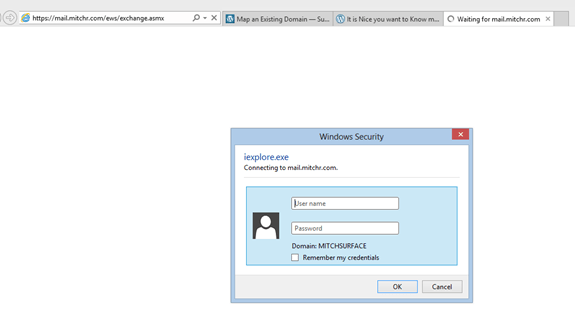
This is what you should see if you go to https://host.domain.com/ews/exchange.asmx now remember if you are on a domain joined machine it should not prompt like above. On a non-domain joined machine it will prompt. It is important to understand that you should not receive and password prompt or a certificate error. It should go straight to a page that looks like the below.
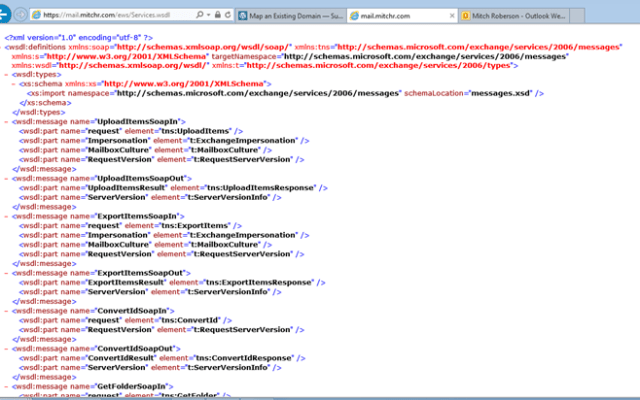
For the OAB if you go to https://host.domain.com/oab/OABGuid/OAB.XML Below is what you should see.
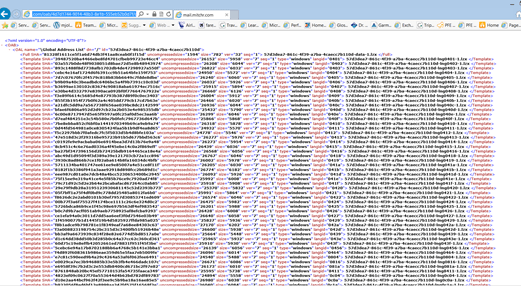
And since I did not show the Autodiscover page in the last post I will show it here. If you go to https://autodiscover.domain.com/autodiscover/autodiscover.xml this is what it should look like.
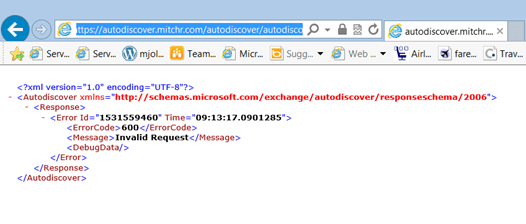
If you are receiving a password prompt on any of these on a domain joined computer you need to look at your I.E Settings if you are going to a URL that is not the same as your domain name. I.e Domain name is Domain.local and the URL you are using is Domain.com then i.e. MAY be blocking the authentication pass through. Check your security settings in IE to make sure that the URL is in the intranet zones.

 Mitch's Blog
Enable Windows Authentication in IE settings
You may want to be carefull doing that. Ideally the best way is to add the website to the Local intranet zone. Because if you enable windows auth in IE for all sights it may be possible for a rogue site to request your credentials. And IE would then pass them to the rogue site. authentication passthrough is already enabled in ie via the local intranet zone. but you have to specify what addresses to allow.